Overview
Learning Objectives
This lab will give you an introduction on how to craft enhanced customer experiences using Webex AI within our Customer Experience solution.
Disclaimer
Although the lab design and configuration examples could be used as a reference, for design related questions please contact your representative at Cisco, or a Cisco partner.
Lab Access
Warning
In these series of labs you will be using the same tenant as other participants, DO NOT make any changes unless specified in this guide.
You will be using Chrome profiles to move between the different contact center personas (admin, agent and supervisor). Each chrome profile has been pre-configured with the required credentials and bookmarks.
Getting Started
Before you start working on the lab, click this button to generate a random Attendee ID.
Your Attendee ID is: ---
Open the Chrome Profile named "CX Labs Admin".
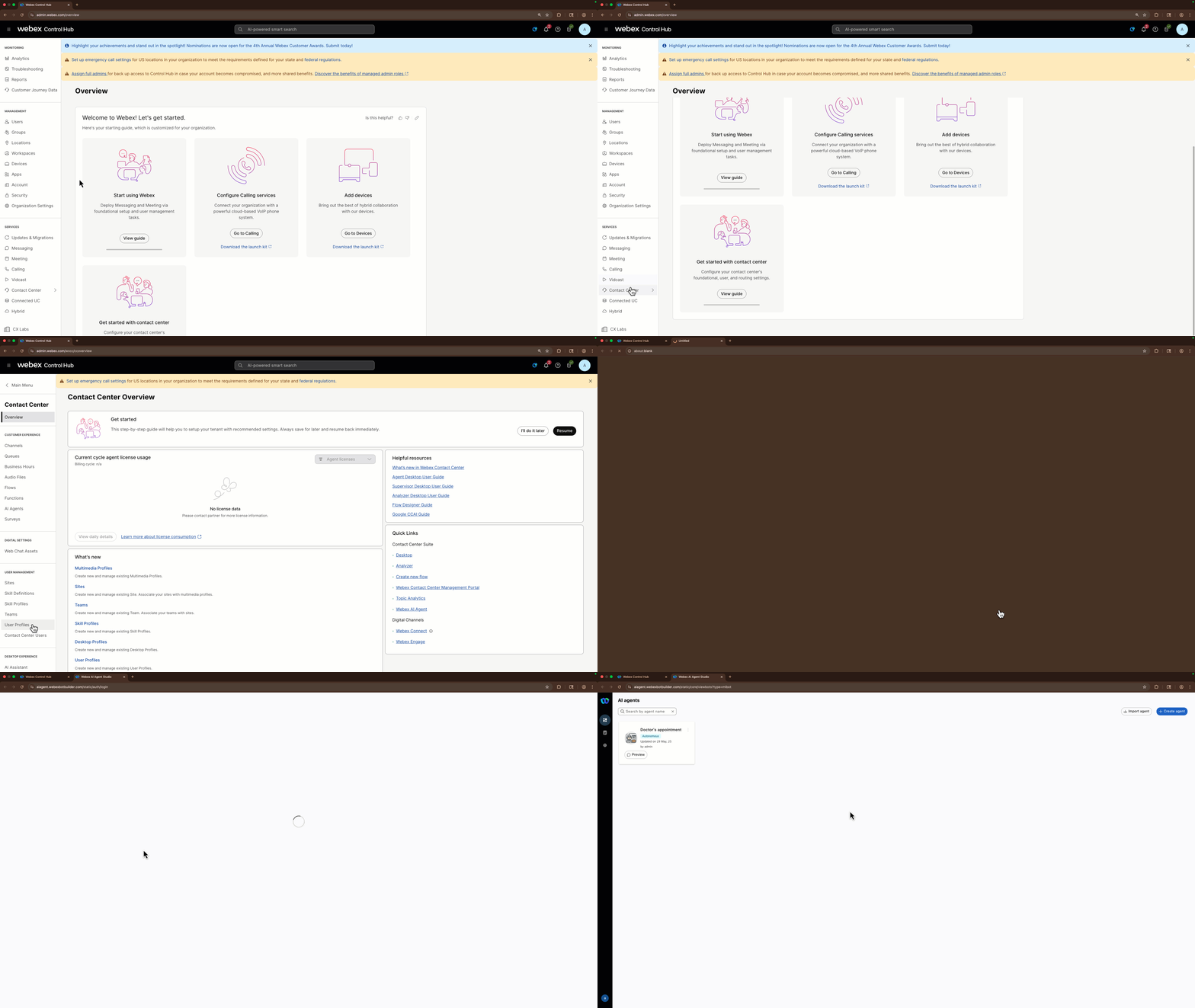
Navigate to Webex Control Hub and login using the stored credentials.
Go to Contact Center from the left side navigation panel, and under Quick Links, click on Webex AI Agent. This will open our AI Agent Studio. You are ready to proceed with your first lab.